Prismatica
A simple way to import all of your favorite tools into your stream.
Live chat preview
Bring your community into the picture. Twitch colors, 7TV paints, and third-party emotes and badges, in an overlay made for your stream.
Try real chat from a featured streamer who is live, then build your own with custom text, shadows, animations, and spacing. Free to use, no login required.
Create your chat overlayFinding a live channel. Showing sample chat for now.


These are example messages, not live chat. Live status is checked every two minutes. No login required.
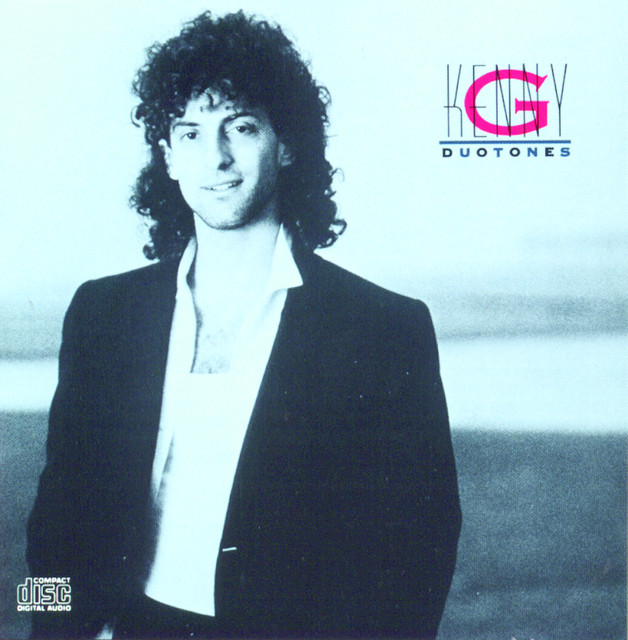
0:00
5:03
Now Playing Live Preview
Preview Prismatica's Now Playing widget with sample songs and see how your settings affect the appearance and behavior of it.
Please note that this is only a preview and may not reflect your actual experience with the Now Playing widget.
Request AccessNow Playing OBS Preview
Yes! Prismatica's Now Playing widget can be used in your favorite streaming software like OBS. Simply follow the instructions on the Docs page to set it up.